Best Websites for Image Generation

M Chetmars
Author
Creating images for websites, blogs, and marketing materials used to require design skills, expensive software, or a professional creative team. Today, AI image generation has changed that completely. With the right website, even beginners can create visuals that look polished enough for real business use.
The problem is no longer access. The problem is choice. There are dozens of tools, each claiming to be the “best,” and beginners often don’t know which one actually fits their needs. This confusion becomes even bigger if you do marketing work, content creation, or manage a website, because an image that looks impressive in isolation doesn’t always work in a real layout or campaign.
This article is written for beginners. If you’re new to AI image generation and you’re trying to figure out which websites are worth your time, this guide focuses on practical use, not hype. We’ll look at what actually works for marketing, websites, and brand visuals, starting from the simplest decision-making mindset.
Which websites are best for beginners?
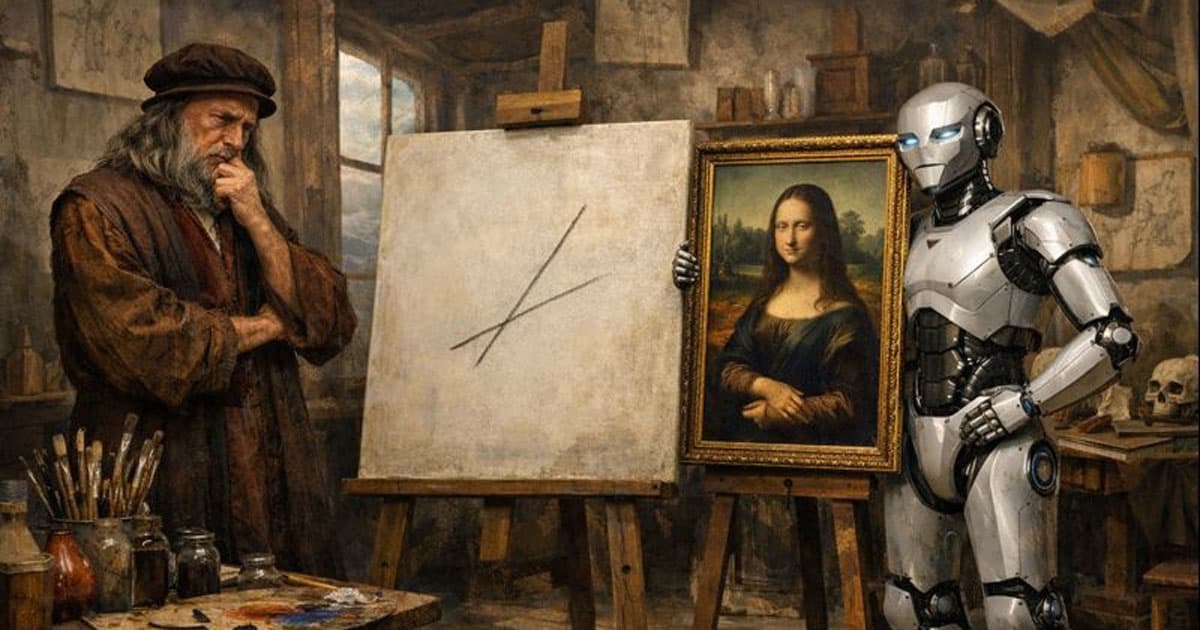
If you’re new to AI image generation, the best websites are usually the ones that produce clean, predictable results with minimal setup. For most beginners, tools like DALL·E and Adobe Firefly are easier starting points, especially for marketing and website visuals. Platforms like Midjourney, Leonardo, or Stable Diffusion become more useful once you understand your visual needs and want more stylistic control. The “best” choice depends less on image quality and more on how well the tool fits your real workflow.
Beginner Decision Matrix
What beginners want | Common mistake | What actually matters |
Fast results | Choosing tools that are too complex | Simple, repeatable workflows |
Marketing-ready images | Overly artistic visuals | Clean, usable outputs |
Consistent style | Switching platforms constantly | Reusable prompts |
Website-friendly visuals | No space for text or UI | Composition control |
Commercial use | Ignoring usage rules | Clear licensing terms |
Understanding this early helps you avoid most beginner frustrations.
Best Websites for Image Generation for Marketing Beginners
Marketing beginners have a very specific goal: produce visuals that support a message. You’re not creating art for galleries. You’re creating images for blog posts, landing pages, social media, ads, or service pages. That context changes everything.
For marketing use, the best websites for image generation usually share a few key characteristics:
Predictable outputs
Fast iteration
Minimal technical setup
Visuals that work with text overlays
A tool that produces stunning images but makes consistency difficult can slow you down rather than help.
1. DALL·E

DALL·E is often one of the easiest entry points for beginners. Its biggest strength is how well it understands natural language. You don’t need to learn advanced prompt techniques to get usable results.
For marketing beginners, this matters a lot. You can describe what you want in plain English and still receive images that feel clean, professional, and usable. That makes DALL·E a strong option for people who want to move fast.
DALL·E works particularly well for:
Blog headers and featured images
Website section visuals
Concept images for campaigns
Simple social media graphics
One common beginner mistake is trying to control every detail. With DALL·E, simpler prompts often produce better results. Focus on clarity rather than complexity. A practical beginner prompt structure looks like this: subject, setting, mood, visual style, constraints.
Example: “A freelance consultant working on a laptop in a bright modern home office, natural light, minimal background, wide composition, photoreal, no text, no watermark.”
2. Adobe Firefly
Adobe Firefly is designed with commercial use in mind. If your work involves branding, business websites, or marketing materials that need to feel safe and professional, Firefly is a strong option.
Firefly’s images tend to be more conservative. They may not feel as bold or artistic as Midjourney outputs, but that’s often an advantage for beginners. Predictable visuals are easier to integrate into real designs.
Firefly works well for:
Business websites
Brand assets
Marketing visuals with strict guidelines
Teams that value consistency over experimentation
For beginners, Firefly reduces the risk of generating images that look impressive but are unusable.
Read More: The Best Website to Check for AI Detection
3. Midjourney
Midjourney is known for producing visually striking images with strong lighting and composition. Many beginners are attracted to it because the results look impressive almost immediately.
For marketing, Midjourney is best when visual impact is the priority:
Lifestyle campaigns
Brand storytelling
Premium-looking social content
The challenge for beginners is consistency. Without a repeatable prompt system, Midjourney can produce images that vary widely in style. That can be frustrating if you’re trying to maintain a unified brand look. A good beginner approach is to create a base prompt that defines your style and reuse it, changing only one or two elements at a time.
4. Leonardo AI
Leonardo AI sits between simple and advanced tools. It gives you more control over style while remaining accessible to beginners who are willing to learn a little.
Leonardo is useful for:
Illustration-heavy marketing content
Stylised brand visuals
Creative assets that need a distinct look
The key for beginners is focus. Choosing one model and sticking with it usually leads to better results than constantly switching styles.
5. Playground AI
Playground AI is best viewed as an experimentation tool. It’s fast and flexible, which makes it useful for learning how prompts influence outputs.
It works well when:
You’re exploring different visual styles
You’re testing ideas quickly
You’re still defining your visual preferences
For long-term marketing workflows, it’s better as a learning space than a final production tool.
6. Runway
Runway leans more toward creative workflows and mixed media. While it includes image generation, it’s often more than what a beginner needs if the goal is static images.
Runway makes sense if:
You’re a content creator
You plan to expand into video later
You want a creative-first environment
If your focus is purely on marketing images, simpler tools may be more efficient.
Thinking like a beginner (and why it matters)
One of the biggest beginner mistakes is choosing tools based on how impressive the images look in demos. In real projects, usability matters more than spectacle.
A marketing image usually needs to:
Leave space for text
Support a message
Match brand tone
Work across different formats
That’s why beginner-friendly tools often outperform more “powerful” ones in daily work. They reduce friction and make it easier to get from idea to published asset. At this stage, the goal isn’t perfection. The goal is consistency and speed.
Using AI Images for Website and Brand Assets
Website visuals are very different from social media images. A website image doesn’t just need to look good. It needs to work inside a layout, alongside text, buttons, and navigation elements.
One of the most common beginner mistakes is treating website images like standalone artwork. The result is often an image that looks impressive on its own but becomes distracting or unusable once placed on a page.
Good website images usually do a few things well:
They guide the eye instead of stealing attention
They leave space for headlines and calls to action
They support the message instead of competing with it
They feel consistent across multiple pages
This is why many beginners struggle when they use highly artistic tools for website visuals. Those tools tend to fill the frame with detail, texture, and contrast, leaving no room for structure. For beginners, platforms like DALL·E and Adobe Firefly often work better for websites because their outputs are cleaner and more predictable. These images integrate more naturally into layouts and feel less “busy.”
A simple mindset shift helps a lot: You’re not generating a finished design. You’re generating a background or supporting visual.
When writing prompts for website use, beginners should think in terms of composition first, not style. Words like “wide composition,” “minimal background,” and “soft lighting” often matter more than artistic descriptors.
Read More: Best Websites for AI Video Generation
Why AI Images Look “Off” on Websites
When beginners say an AI image looks wrong on a website, the issue is usually not realism. It’s a balance. Common problems include:
No clear focal point
Too much contrast behind the text
Cluttered backgrounds
Inconsistent lighting across sections
These issues are rarely solved by switching tools. They’re solved by adjusting expectations and prompts. Instead of asking for “dramatic,” “cinematic,” or “highly detailed” images, beginners should focus on calm, neutral visuals that let the content breathe. A slightly boring image often performs better on a website than an exciting one.
This is very important for service pages, landing pages, and the hero section of the homepage, where clarity is more important than visual drama.
Legal and Copyright Issues for AI Images

As AI becomes a common tool for creative people, it's important for all Australian businesses and creators to know the law. The law, on the other hand, is mostly about two things: ownership and commercial rights.
1. The Issue of Ownership
In Australia, copyright laws say that a work must have a "human author" in order to be protected. This means that an AI-generated image that is not edited in any way may not be protected by copyright in the same way that a photograph or hand-drawn illustration would be.
2. Rights to Use for Business
Most of the big platforms (DALL·E, Midjourney, Adobe Firefly) let users on paid subscription tiers use their services for business purposes. However, the specific terms vary. For example, Adobe Firefly is designed to be "commercially safe" because it is trained on licensed Adobe Stock images, reducing the risk of accidental intellectual property infringement.
3. Best Practice for Businesses
To ensure your brand assets are as protected as possible, we recommend using AI images as a foundation. When you incorporate an AI image into a larger design—adding your own typography, logos, and layout—the final composite work is much more likely to be recognised as a human-authored creation protected by copyright.
Consistency: The Hidden Challenge for Beginners
Consistency is one of the hardest things for beginners to achieve, and it’s also one of the most important. When you use AI image generation casually, it’s easy to end up with different styles across posts, different lighting in each image, or visuals that feel disconnected.
This doesn’t just affect aesthetics. It affects trust. In marketing and branding, inconsistency makes a business feel less reliable, even if the content itself is good. To maintain consistency, beginners don’t need advanced tools. They need discipline.
Here’s what actually helps:
Choosing one platform per campaign
Reusing a base prompt
Keeping lighting and composition similar
Sticking to the same aspect ratios
Consistency Goals
Consistency goal | What to keep the same | Why it works |
Brand recognition | Style keywords | Creates visual memory |
Campaign unity | Lighting and angle | Feels intentional |
Layout compatibility | Aspect ratio | Speeds up design |
Tone and mood | Color direction | Builds trust |
Consistency doesn’t mean boring. It means controlled variation.
Avoiding the “AI-Looking” Trap
Beginners often worry that their images look artificial. In most cases, this comes from trying to do too much at once. Common causes include:
Over-detailed prompts
Unrealistic combinations of styles
Asking for text inside images
Generating a single image and forcing it to work
The fastest way to reduce the “AI look” is surprisingly simple: generate more options and choose. Make 6 to 10 different versions of the same image instead of trying to make one perfect one. Then choose the result that looks the most natural and make small changes around it.
Another important rule for beginners is to never trust AI-generated text that is inside images. Design tools are still much better at handling typography, spacing, and readability. AI images are most useful when they give the visual base, not the final layout.
A Useful Workflow for Newbies
It's much more useful to have a simple, repeatable workflow than to know a lot of advanced techniques. Here’s a realistic approach that works for most beginners:
Define where the image will be used
Choose the correct aspect ratio
Generate multiple variations
Select the strongest option
Do light cleanup if needed
Add text in a design tool
Export in the correct format
This workflow keeps AI image generation fast and predictable. It also reduces frustration, because you’re no longer expecting perfection from a single generation. Trying to skip steps usually leads to wasted time.
When to Move Beyond Beginner Tools
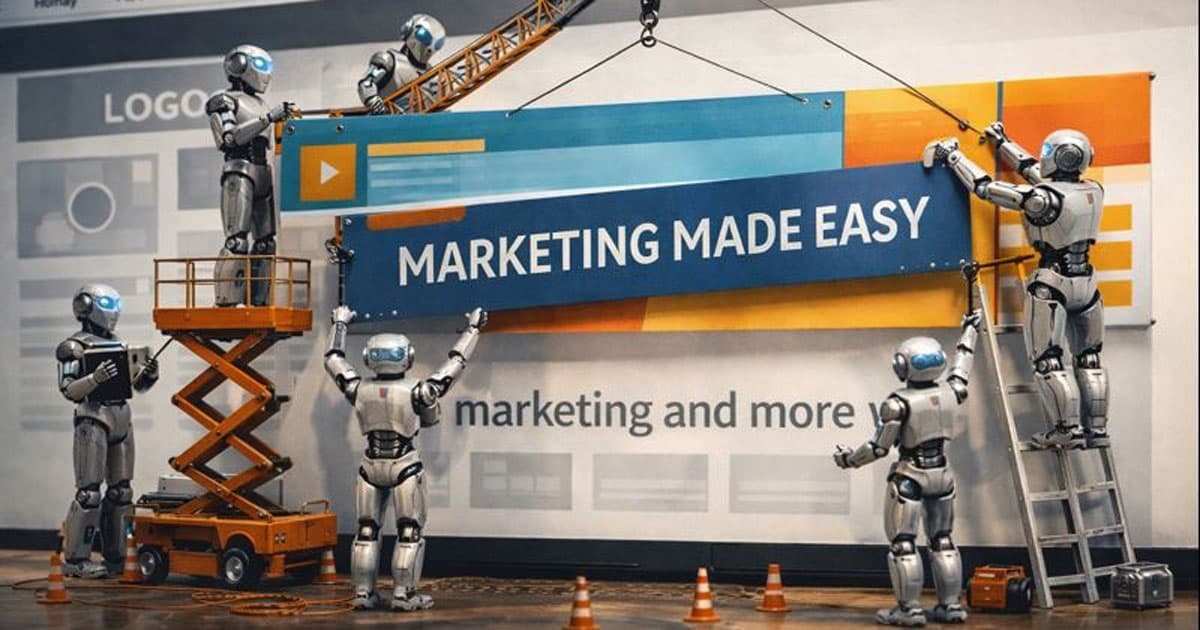
Not every beginner stays a beginner forever. As your needs grow, you may start wanting more control over style, characters, or visual systems. That’s usually the point where tools like Leonardo or Stable Diffusion start making more sense. They allow deeper customisation and more consistent outputs, but they also require more learning and experimentation.
A good rule of thumb:
If you need speed and clarity, stay simple.
If you need control and identity, invest time in learning.
There’s no rush to “graduate” to advanced tools. Many professionals continue to use simpler platforms because they better fit their workflow.
Read More: Website Design for Artists
Common Beginner Mistakes That Slow Progress
Switching platforms too frequently
Copying prompts without understanding them
Ignoring layout needs
Expecting AI to replace design thinking
Optimising for image quality instead of usability
Avoiding these mistakes often improves results more than learning new features.
Final Thoughts
Don't worry too much about your tools if you're just starting. Choose one platform, learn how it works, and make simple habits around it. Chasing perfect visuals won't get you as far as speed, consistency, and clarity will.
AI image generation works best when it makes things easier, not when it makes them harder.
We are Flamincode, and we provide different services like web development for your website. Check our services and talk to us about it. We will be happy to help your business!
FAQs
Which AI image generation website is best for beginners to start with?
Most beginners do well starting with DALL·E or Adobe Firefly because they produce clean, predictable results with minimal setup.
Are AI-generated images suitable for use in marketing and business projects?
Yes, in most cases, AI-generated images can be used for marketing, but you should always review each platform’s commercial usage terms before using them in ads or campaigns.
Why do AI image generators produce different results even when using similar prompts?
This usually happens because small changes in wording, randomness in generation, or switching tools can affect the output. Reusing a base prompt helps improve consistency.
Do beginners need advanced prompt engineering skills to use AI image generators effectively?
No. Most beginners can achieve good results by using a simple, repeatable prompt structure that focuses on clarity rather than complexity.
Can AI image generation tools replace professional designers?
AI tools can speed up image production, but branding decisions, layout design, and strategic thinking still require human judgment.

Admin
Mostafa is a Wordsmith, storyteller, and language artisan weaving narratives and painting vivid imagery across digital landscapes with a spirited pen, he embraces the art of crafting compelling content as a copywriter, and content manager.
Comments

This is super helpful for anyone just starting with AI image tools. It really highlights avoiding common beginner pitfalls!

Based in
Melbourne, Australia
Your software dev partner, smooth process, exceptional results
Contacts
contact@flamincode.com.au
© All rights reserved to Flamincode