Website Design Ideas for School

M Chetmars
Author
When you start looking at websites across Australian schools, you notice something pretty quickly: some feel warm, welcoming, and organised — and others feel like they haven’t been touched since the early 2000s. And that difference matters. A school’s website is no longer just a digital noticeboard; it’s the main communication channel for parents, a resource hub for students, and the first impression families get before booking a tour.
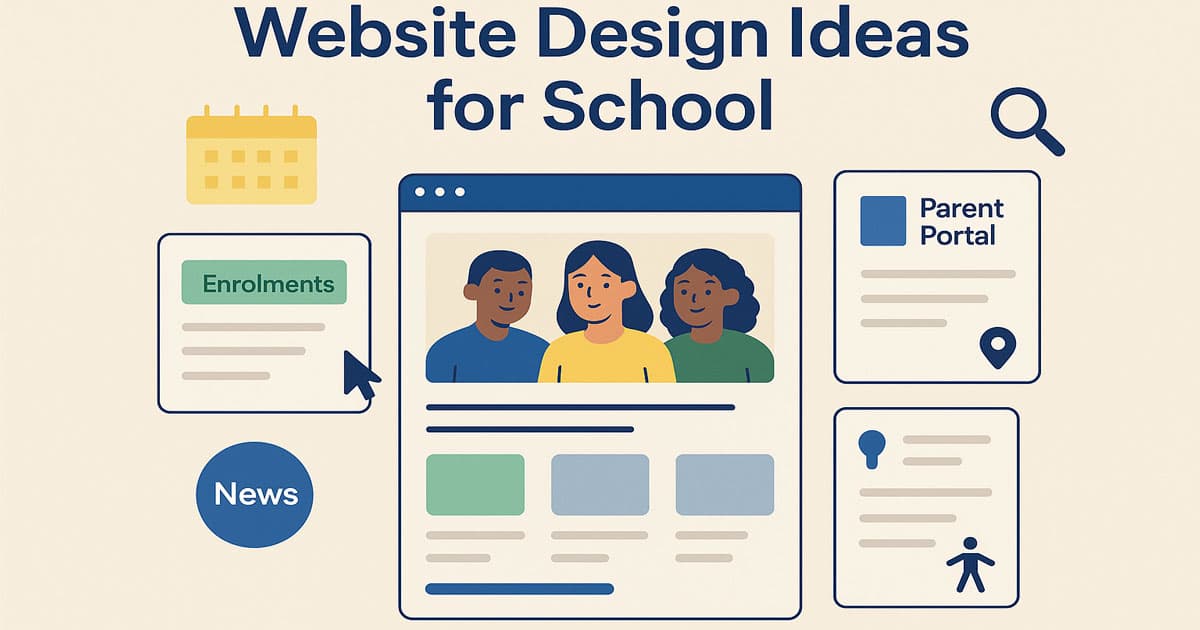
Schools across Australia — from small primary schools in regional towns to large independent schools in the cities — increasingly expect their websites to feel modern, easy to navigate, and aligned with how parents actually use them. That’s why the topic Website Design Ideas for School keeps coming up in conversations with principals, admin staff, and even teachers. And as a digital agency working with Australian clients, Flamincode often sees the same patterns: clear design works, clutter doesn’t, and parents appreciate anything that saves them time.
To set a foundation before exploring detailed ideas, here’s a quick table showing the core priorities Australian schools usually have when planning a website redesign.
Core Priorities for Modern Australian School Websites
Priority | Why It Matters | What Parents Expect |
Mobile-first design | Most parents browse on their phones | Clear menus, fast load times |
Simple navigation | Reduces confusion and improves trust | Easy access to enrolments, term dates, and news |
Visual storytelling | Shows real school life | Authentic photos, highlights, achievements |
Accessibility | Required for inclusiveness | Proper contrast, alt text, readable typography |
Fast performance | Many rural areas have slower internet | Lightweight pages, optimised images |
Easy updates | Schools publish news often | CMS that staff can actually use |
With these foundations in mind, let’s look deeper into what makes a school website genuinely helpful — not just pretty.
School Website Examples Worth Studying

A good school website example offers more than just an appealing look and a good homepage. It should make you believe that design can help families, students, and staff reach what they need effortlessly.
The following Australian school websites use different styles and approaches, but all of them offer an idea worth studying.
School website | What it does well | Useful lesson |
Its Parent Links section brings together the parent portal, term dates, bus information, uniform details, lunch orders, and online services. The site also separates Early Learning, Junior, Middle, and Senior School content clearly. | Give current families a dedicated route instead of hiding everyday tasks across the main menu. | |
Prospectus requests, open days, event bookings, and contact details appear as quick links. Its enrolment section also covers tours, fees, applications, scholarships, transport, and term dates. | Treat enrolment as a guided journey with clear next steps. | |
Apply and Book a Tour actions remain prominent, while the enrolment process is divided into application, meeting, confirmation, and transition stages. | Explain what happens after a family submits an application. This reduces uncertainty and makes the process feel manageable. | |
The site gives quick access to the prospectus, school tours, enrolment, and its existing-family portal. It also provides separate pathways for parents, students, and staff. | Separate prospective-family actions from the tools used by the existing school community. | |
Its homepage keeps the focus on enrolments, curriculum, the Compass parent portal, current news, upcoming events, and school tour bookings. | A school website does not need a complex homepage. Prioritise the tasks families use most often. |
These examples are here just to give you new visions about the concept of a school website. You don’t have to copy their idea, but you can learn how each one of them has solved the potential problems and adapt them.
Read More: Website Design for Artists
Structuring a School Website for the Way Australians Actually Use It

A great school website isn’t defined by fancy graphics. It’s defined by how quickly a parent can find what they’re looking for. From analysing dozens of Australian school websites, a clear structure emerges — one that balances clarity and depth without overwhelming the visitor.
Here’s how most high-performing school websites organise their information:
Home page that sets the tone clearly: The home page shouldn’t try to do everything. It should give a warm welcome, highlight what the school stands for, and offer quick pathways to essential pages.
Enrolment section that reduces phone calls: Australian parents want clarity around processes, fees, tours, and documents. A clean, step-by-step experience goes a long way.
Parent Information Hub: Every school needs this. It becomes the daily touchpoint for families: uniform, canteen, policies, schedules, term dates, and forms.
Curriculum pages that break things down logically: Parents want to know what’s being taught and how.
News and Events: Schools publish frequently — including sports days, assemblies, excursions, and leadership announcements.
Contact and Location: Maps, office hours, and key contacts.
This structure reflects what Australians use weekly, not just what schools think they should publish.
Website Design Ideas for School: Home Page Approaches That Work in Australia
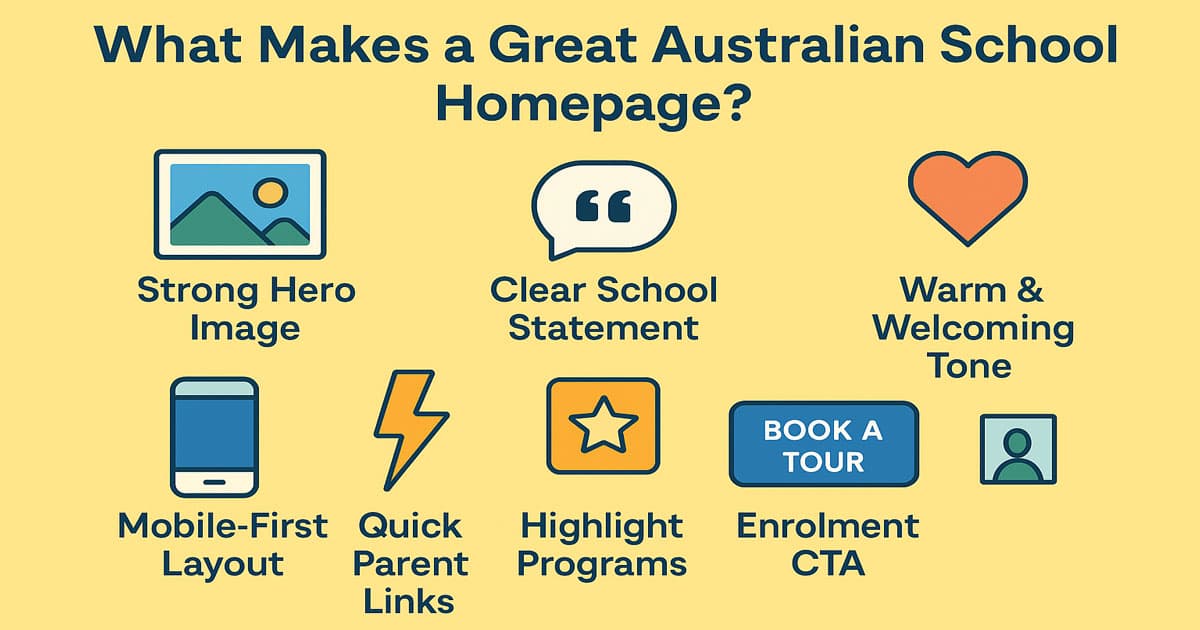
The home page carries more weight than many people realise. When Australian parents check schools online, they form an impression almost instantly. Here’s what we consistently see working well:
A strong hero image: Not stock photos. Real images from the school. Australian families recognise authenticity — smiling students in uniforms, teachers interacting, even a wide shot of the campus grounds.
A short school statement: Schools often try to sound too formal. A natural sentence like: "A place where students feel supported, challenged, and inspired every day" feels clearer and friendlier.
Quick links for parents: Just three or four. Not nine. What are the most common ones in Australia?
Term dates
Enrolments
Parent Portal / Compass / Sentral
News
A brief introduction: A paragraph, not an essay. Enough for parents to understand what the school values.
Highlights or Programs: STEM, sports, music, outdoor education — whatever defines the school.
Latest news: Recent updates show the school is active and organised.
This blend creates a homepage that feels alive without being overwhelming.
Read More: Website Design for Architects
Navigation Designed for Real-World Use
If a parent has to tap five times on their phone to find a canteen menu, the design has failed. Navigation should feel intuitive for everyone — parents, students, and staff.
Here are the navigation choices that work best in Australian school websites:
Keep the menu hierarchy shallow: No more than three layers deep. Families don’t have time to dig through complex structures.
Use language parents actually understand: Skip the jargon. “Teaching and Learning” might make sense to educators, but “Curriculum” or “Learning Programs” is clearer for families.
Add a thin utility bar: Many schools place urgent items here: contact, maps, portals, announcements.
Sticky header on mobile: Since most visitors are browsing on phones, a fixed header is essential.
These navigation principles reduce frustration and encourage parents to explore more of the site.
Choosing a Visual Style That Reflects Your School
A school's website should reflect its personality. Australia has a mix of new and old buildings, neighbourhoods with people from many different cultures, and programmes that focus on the outdoors. The design style should reflect this.
Here are the four visual styles that dominate well-designed Australian school websites:
Tradition & Heritage: Common in older independent schools. Deep colours (navy, maroon), serif typography, and polished imagery.
Clean & Contemporary: Often used by government schools. Bright whites, clear spacing, simple icons, approachable colours.
Photo-led storytelling: Perfect for schools with strong extracurricular or outdoor education programmes. Large imagery, authentic captures of student life.
Youthful & Vibrant: Great for primary schools. Rounded shapes, colourful palettes, playful headings.
The best style is the one that feels true to the school’s identity rather than a template.
UX Elements That Transform a School Website
Good UX design doesn’t show off — it quietly makes the site easier to use. These are the practical features Australian schools benefit from the most:
UX Element | Why It Helps | Example Use Case |
Announcement bar | Fast communication | Weather alerts, reminders, sudden changes |
Accordion layouts | Keeps long pages readable | Policies, curriculum details |
Search bar | Saves time | Finding documents quickly |
Calendar interface | Shows upcoming events at a glance | Sports days, assemblies |
Online forms | Streamlines admin | Absence notifications, enrolment enquiries |
Image galleries | Shows real school life | Excursions, performances |
These aren’t “nice-to-haves” — they genuinely reduce admin time for schools.
Accessibility: A Non-Negotiable

Based on WCAG all Australian schools must make sure that their websites are easy for all families to use, even those with vision, cognitive, or mobility issues. Making things accessible isn't just a legal requirement; it's also something the school owes to the community.
The essentials include:
High colour contrast: Ensures text is readable under outdoor glare (very common in Australia).
Alt text on all images: Critical for screen readers.
Resizable text and flexible layout: A parent should be able to zoom without breaking the design.
Keyboard navigation: Vital for people with mobility limitations.
Clear error messages in forms: Users should understand what needs fixing.
Schools that prioritise accessibility end up with cleaner, more user-friendly sites overall.
Read More: Spa Website Design Inspiration
Where Flamincode Fits In
We help schools build websites that are clear, easy to manage and reliable. We create practical structures, forms and content systems that make everything easy for schools and students at the same time. Our focus is on improving something that feels confident and shows the school’s character clearly.
We don’t insist on adding a load of features, but we try to make something that helps families find the needed information about the school as soon as possible
FAQs
What should a modern Australian school website include?
A strong homepage, clear enrolment information, a parent hub, curriculum pages, news updates, and a contact section. These pages cover the needs of most Australian families.
What visual design style works best for Australian schools?
Clean layouts with authentic photography and approachable colours usually perform best. These styles highlight the school’s personality without overwhelming users.
What information should be easiest to find on a school website?
Parents should be able to find specific details, dates, contact information, policies, news, and useful links. All these must be easy to find and navigate.
How many menu items should a school website have?
This question doesn’t have a fixed answer. The main principle is to make it easy for the families to find their most needed data as easily as possible.
Less important pages can be placed between other sections, but they shouldn't compete for a better space in the main pages.
How should school staff manage website updates?
A good website for schools should be easy to use and manage. Because schools should be able to post regularly about the news, events, documents, etc.

Admin
Mostafa is a Wordsmith, storyteller, and language artisan weaving narratives and painting vivid imagery across digital landscapes with a spirited pen, he embraces the art of crafting compelling content as a copywriter, and content manager.
Comments

It's interesting how much a school’s online vibe affects first impressions. Kind of surprising what parents prioritize!

Based in
Melbourne, Australia
Your software dev partner, smooth process, exceptional results
Contacts
contact@flamincode.com.au
© All rights reserved to Flamincode